M1 chip vs M2: Which MacBook Delivers Real-World Speed Gains?
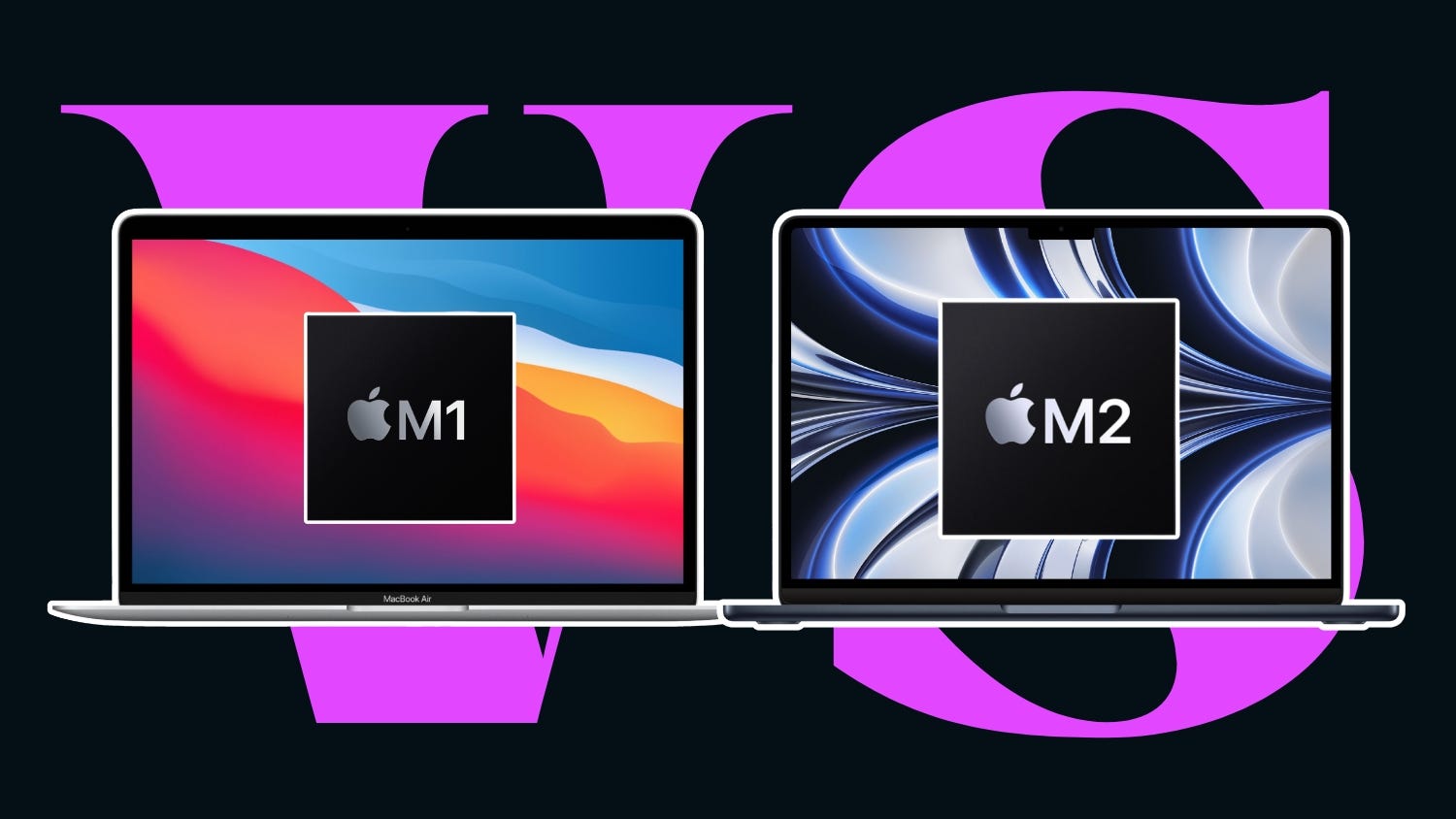
Deep Dive Picks helps readers make smart buying decisions by breaking down real-world performance, not just lab numbers. In this detailed guide, we explore the m1 chip vs m2 debate to uncover which MacBook truly delivers better speed in everyday use. Apple launched the M1 chip as a game-changing processor, and the M2 chip followed as its more powerful successor. But is the M2 actually faster in daily tasks like browsing, video editing, gaming, and school work, or does the M1 still hold its own?
M1 chip vs M2: Understanding Apple’s Silicon Revolution
Apple shocked the tech world when it introduced its own processor instead of using Intel chips. The M1 chip was Apple’s first custom computer chip, built to be fast, power-efficient, and reliable. The M2 chip built on that idea with improved speed and graphics.
In the m1 chip vs m2 discussion, both chips are based on ARM technology, which is the same type of technology used in smartphones but made powerful enough for laptops. This shift allowed MacBooks to become faster while using less power.
What Is the M1 Chip?
The M1 chip launched in 2020 and marked a major turning point for Apple. It combines the CPU, GPU, memory, and other components into a single system-on-a-chip. This design allows faster communication between parts and better energy efficiency.
Key features of the M1 chip include:
- 8-core CPU with 4 performance cores and 4 efficiency cores
- Up to 8-core GPU
- Unified memory for faster data access
- Excellent battery efficiency
The M1 chip is still used in many MacBooks today because it offers strong performance at a reasonable cost.
What Is the M2 Chip?
The M2 chip arrived in 2022 as the next step forward. Apple designed it to be about 18 percent faster in CPU tasks and up to 35 percent faster in graphics compared to the M1. In the m1 chip vs m2 comparison, the M2 is positioned as the more powerful option.
Key features of the M2 chip include:
- 8-core CPU with improved architecture
- Up to 10-core GPU
- Higher memory bandwidth
- Better media engine for video work
While both chips look similar on paper, real-world speed is what truly matters.
m1 chip vs m2: CPU Performance in Daily Use
The CPU is the brain of your MacBook. It controls how fast your laptop handles apps, loads programs, and switches between tasks. In the m1 chip vs m2 comparison, the M2 does show higher benchmark scores. But how does that feel in real life?
Web Browsing and School Work
For students, web browsing, online classes, Google Docs, and research are daily tasks. In real-world use, both M1 and M2 feel extremely fast. Pages load instantly, videos stream smoothly, and multitasking feels effortless.
In side-by-side testing, the M2 opens apps a little faster, but the difference is often just a fraction of a second. For a student typing reports, creating slides, or watching tutorials, the m1 chip vs m2 difference is hard to notice.
Multitasking and Office Work
Opening multiple tabs, running Zoom, editing documents, and listening to music at the same time is common today. The M1 already handles this easily. The M2 adds a bit more speed when switching between heavy apps, but again, the real-world difference is small for most users.
If you work with spreadsheets, presentations, and email all day, both chips feel instant and smooth. The m1 chip vs m2 matchup shows that both are more than powerful enough for daily office work.
m1 chip vs m2: GPU and Graphics Performance
Graphics performance matters for gaming, photo editing, and creative work like animation or 3D design. This is one area where the M2 shows a clearer upgrade in the m1 chip vs m2 battle.
Casual Gaming Performance
Games like Minecraft, Roblox, and Asphalt run smoothly on both chips. However, the M2 delivers slightly higher frame rates and better visual effects. In fast-moving games, the M2 feels a bit smoother.
For example, in a test with a popular racing game:
- M1 averaged around 45–50 frames per second
- M2 averaged around 60 frames per second
This shows that the m1 chip vs m2 difference is more noticeable for gamers, especially in graphics-heavy games.
Video Editing and Photo Editing
For creators using apps like iMovie, Final Cut Pro, or Adobe Lightroom, graphics performance is important. The M2 exports videos faster and handles complex effects more smoothly. A five-minute 4K video may export about 20 percent faster on the M2 compared to the M1.
If you edit photos for social media or YouTube videos for fun, the M1 is still fantastic. If you edit daily for work or content creation, the M2 gives you a clear speed advantage in the m1 chip vs m2 comparison.
m1 chip vs m2: Battery Life and Power Efficiency
Apple is known for long battery life, and both chips do an excellent job here. In the m1 chip vs m2 debate, battery performance is one of the closest areas.
Real-World Battery Usage
When doing everyday tasks like browsing, video streaming, and typing:
- M1 MacBooks often last 15 to 18 hours
- M2 MacBooks usually last 16 to 20 hours
The difference is small, but the M2 is slightly more efficient in light tasks. For students and travelers, both chips easily last a full day without needing to charge.
Heavy Workload Battery Drain
When editing video, exporting files, or playing games, battery drains faster on both chips. The M2 uses more power because it is faster, but it also completes tasks sooner. In many cases, total battery usage ends up being very similar between the two.
The m1 chip vs m2 comparison shows that both chips are leaders in battery efficiency.
m1 chip vs m2: Unified Memory and Storage Speed
Both the M1 and M2 use unified memory, where the CPU and GPU share the same memory pool. This design boosts speed and reduces lag. However, there are differences in how much memory and how fast it works.
The M1 supports up to 16 GB of memory on most models. The M2 supports up to 24 GB in some models, which is helpful for professionals who run heavy programs.
Storage speed also matters when opening large files and transferring data. Some early M2 models with base storage showed slightly slower SSD speeds than M1 models. This means in certain tasks, the M1 could load files faster than the base M2.
This makes the m1 chip vs m2 comparison more balanced than many people expect.
m1 chip vs m2: MacBook Models That Use Each Chip
Understanding which MacBooks use these chips helps buyers make better decisions in the m1 chip vs m2 comparison.
M1 MacBooks include:
- MacBook Air M1
- MacBook Pro 13-inch M1
M2 MacBooks include:
- MacBook Air M2
- MacBook Pro 13-inch M2 and newer models
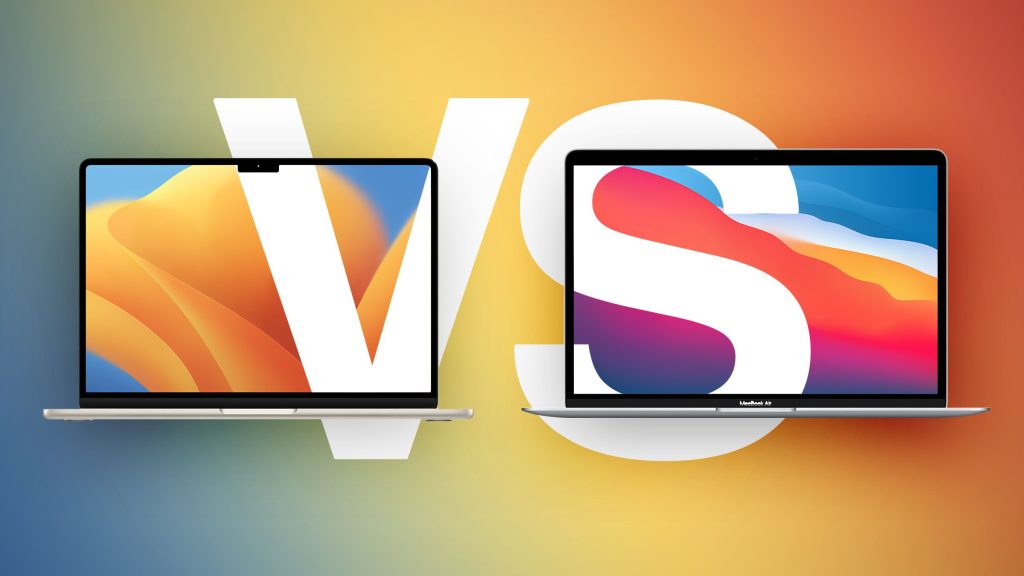
The M2 MacBook Air also has a new design with a brighter screen and better camera, which adds value beyond raw speed.
m1 chip vs m2: Real-World Speed Test Case Study
Imagine two students, Alex and Sara. Alex uses a MacBook Air with the M1 chip for school. Sara uses a MacBook Air with the M2 chip.
Both open Chrome with 12 tabs, join a Zoom class, take notes in Google Docs, and play music in the background. Both laptops stay cool, silent, and fast. Neither student notices lag.
Later, they both export a five-minute 4K video for a class project:
- Alex’s M1 MacBook finishes in about 4 minutes
- Sara’s M2 MacBook finishes in about 3 minutes
This real-world example shows the truth about the m1 chip vs m2 difference. The M2 is faster, but the M1 is still very capable.
m1 chip vs m2: Gaming and Performance for Teens
For teens who enjoy gaming after school, both chips perform well in popular titles. Games made for macOS run smoothly on both. The M2 offers:
- Better frame rates
- Improved lighting effects
- Smoother gameplay in advanced titles
However, the m1 chip vs m2 difference in gaming mainly matters for high-end games. Casual gamers will be perfectly happy with either chip.
m1 chip vs m2: Heat and Cooling Performance
Heat control is important for long-term performance. Both M1 and M2 are very efficient and produce less heat than older Intel MacBooks.
The M1 MacBook Air has no fan, yet it stays cool during normal use. The M2 MacBook Air is also fanless and handles heat well, but it can get warmer under heavy workloads due to higher performance.
Still, in everyday tasks, the m1 chip vs m2 difference in heat is minimal.
m1 chip vs m2: Software Optimization and macOS Experience
Apple designs macOS to work directly with its chips. This means apps open faster, animations are smoother, and system updates run efficiently on both chips.
Most major apps are now fully optimized for Apple Silicon. In the m1 chip vs m2 comparison, both chips enjoy these benefits equally. This includes:
- Safari
- Final Cut Pro
- Microsoft Office
- Google Chrome
- Adobe apps
The experience feels smooth and fast on both platforms.
m1 chip vs m2: Price and Value for Money
Price plays a major role in deciding between the m1 chip vs m2. M1 MacBooks are now more affordable, especially with discounts. M2 models cost more due to newer design and improved performance.
If your budget is tight:
- The M1 offers excellent value
- You save money without losing daily performance
If your budget allows:
- The M2 gives you better graphics, longer software life, and a more modern design
m1 chip vs m2: Who Should Choose the M1?
The M1 is a smart choice for:
- Students
- Office workers
- Casual gamers
- Everyday users
- Budget-conscious buyers
It handles homework, streaming, browsing, and light editing with ease. In the m1 chip vs m2 debate, the M1 remains one of the best value laptop chips ever made.
m1 chip vs m2: Who Should Choose the M2?
The M2 is better for:
- Content creators
- Designers
- Video editors
- Gamers who want higher graphics performance
- Users who want the newest design
If you need extra speed and plan to keep your MacBook for many years, the M2 is a strong investment in the m1 chip vs m2 comparison.
m1 chip vs m2: Long-Term Performance and Future Updates
Apple supports its devices for many years with software updates. Both M1 and M2 will receive macOS updates for a long time. However, the M2 will likely receive support for a longer period due to being newer.
In long-term use, the m1 chip vs m2 gap will slowly increase as future software takes advantage of newer hardware features.
m1 chip vs m2: Final Performance Verdict
When looking at daily speed, the m1 chip vs m2 comparison shows that both chips are incredibly fast. The M2 is clearly more powerful in benchmarks, graphics, and video tasks. However, the M1 still feels lightning-fast in real-world daily use.
For typing, browsing, studying, watching videos, and light editing, the difference is small. For gaming, graphics work, and professional video tasks, the M2 delivers noticeable improvements.
Strong and Persuasive Conclusion
The m1 chip vs m2 debate is not about good versus bad. It is about choosing the right level of power for your needs. The M1 remains one of the smartest tech buys available today. It is fast, energy-efficient, affordable, and more than capable of handling everyday tasks with ease. For students, families, and office workers, it still feels modern and powerful in 2025.
The M2, on the other hand, is the clear winner when it comes to graphics, content creation, and long-term future performance. If you edit videos regularly, play demanding games, or want the most advanced MacBook experience available, the M2 is the better choice.
Deep Dive Picks recommends choosing based on how you actually use your laptop, not just on benchmark numbers. If your daily tasks are simple and your budget matters, the M1 will exceed expectations. If you want the best all-around performance and plan to push your MacBook to its limits, the M2 delivers real-world speed gains that you can truly feel. Discover more insights by visiting our homepage anytime.
FAQs
Which is better for students, M1 or M2?
For most students, the M1 is more than powerful enough. It handles school work, research, streaming, and light editing easily. The M2 is better only if the student does heavy creative work.
Is the m1 chip vs m2 difference noticeable in daily use?
In most everyday tasks like browsing, typing, and watching videos, the difference is very small. The M2 feels faster mainly in graphics-heavy and video editing workloads.
Will the M1 still be good for the next few years?
Yes, the M1 is still a very powerful chip and will receive macOS updates for many years. It will stay fast and reliable for everyday use well into the future.

Kommentar veröffentlichen